R Markdown with the Docco Classic Style
Yihui Xie
2026-03-11
Source:vignettes/docco-classic.Rmd
docco-classic.RmdDocco
To use the Docco style for Markdown vignettes in an R package, you need to
- add
*.Rmdfiles under thevignettesdirectory - add
Suggests: knitrandVignetteBuilder: knitrto theDESCRIPTIONfile - specify the vignette engine
\VignetteEngine{knitr::docco_classic}in theRmdfiles (inside HTML comments)
After building and installing the package, you can view vignettes via
browseVignettes(package = 'Your_Package')Examples
Below are some code chunks as examples.
cat('_hello_ **markdown**!', '\n')hello markdown!
Normally you do not need any chunk options.
1+1## [1] 2
10:1## [1] 10 9 8 7 6 5 4 3 2 1
rnorm(5)^2## [1] 1.960122e+00 6.518680e-02 5.940254e+00 3.103924e-05 3.863278e-01
strsplit('hello, markdown vignettes', '')## [[1]]
## [1] "h" "e" "l" "l" "o" "," " " "m" "a" "r" "k" "d" "o" "w" "n" " " "v" "i" "g"
## [20] "n" "e" "t" "t" "e" "s"Feel free to draw beautiful plots and write math .
n=300; set.seed(123)
par(mar=c(4,4,.1,.1))
plot(rnorm(n), rnorm(n), pch=21, cex=5*runif(n), col='white', bg='gray')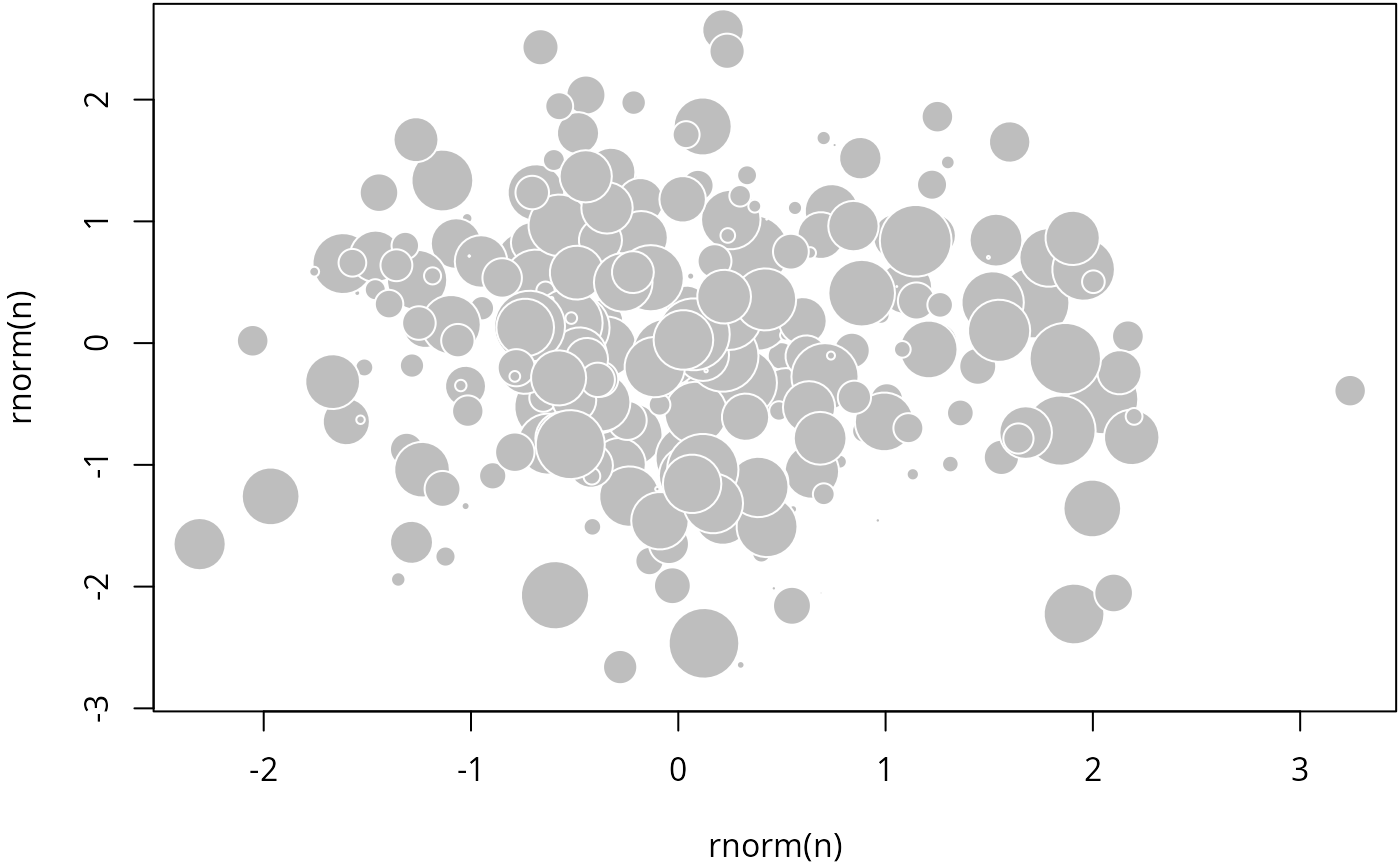
How does it work
Custom CSS and JS files are passed to
markdown::mark_html() to style the HTML page:
knitr::rocco## function (input, ...)
## {
## knit2html(input, ..., meta = list(css = c("@npm/@xiee/utils/css/docco-classic.min.css",
## "@prism-xcode"), js = c("@npm/[email protected]/dist/jquery.min.js",
## "@npm/@xiee/utils/js/docco-classic.min.js,docco-resize.js",
## "@npm/@xiee/utils/js/center-img.min.js")))
## }
## <bytecode: 0x623a5e0c5620>
## <environment: namespace:knitr>That is it.
You probably have noticed that you can adjust the widths of the two
columns using your cursor. What is more, press T on your
keyboard, and see what happens.